
Retail POS
Retail POS systems built around your inventory
Grocery lanes, convenience counters, fuel sites, liquor shelves and boutiques each run on different inventory, pricing and checkout rules. We match the system to your store, then install it and support it locally.
- Headquartered in Pace, Florida
- Local installation and support
- BBB Accredited Business
- Replies within one business day
Choose your business
Built around how you operate
Each type runs differently, so each page starts from your operation, not a product.
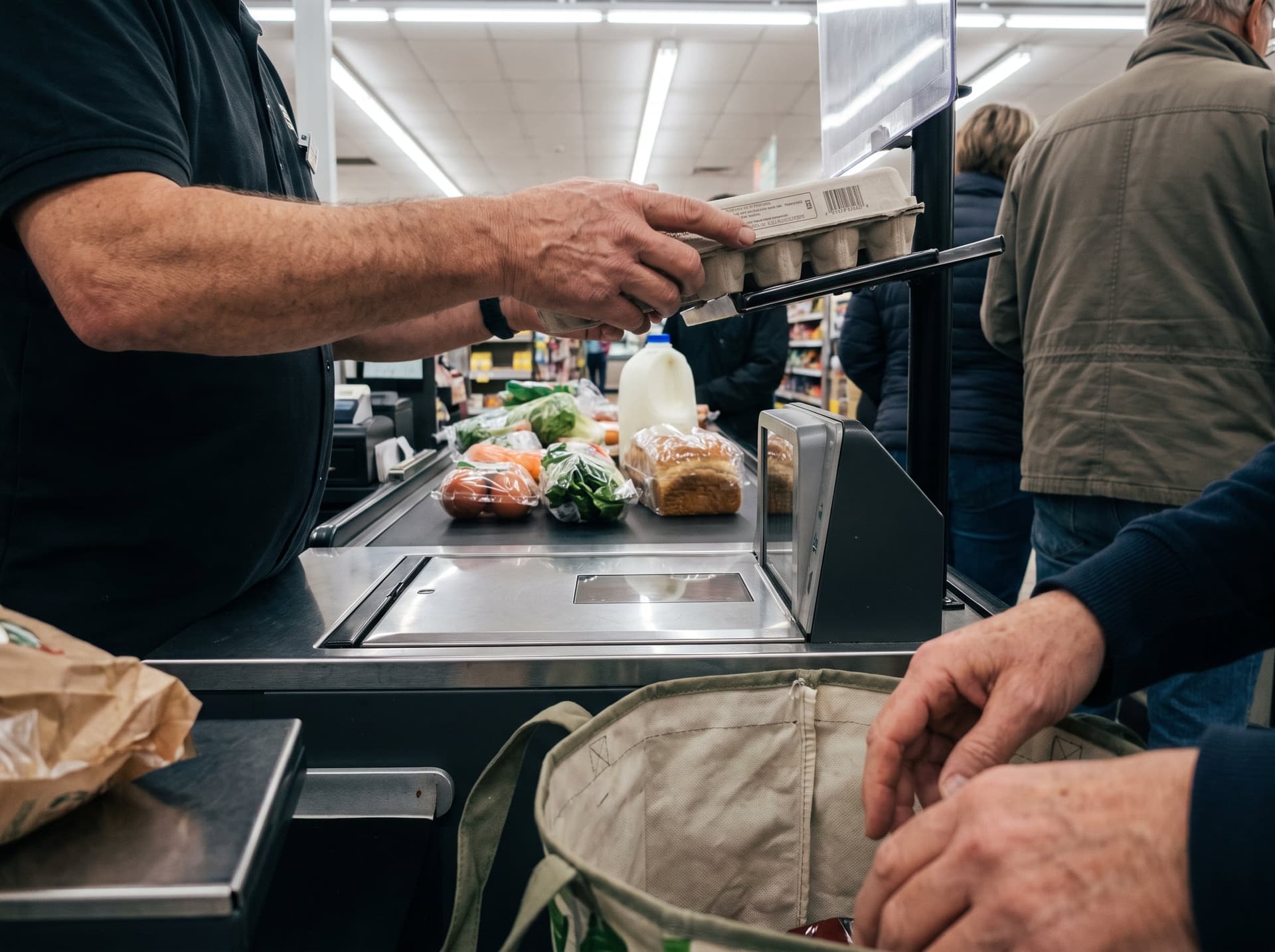 Grocery Stores
Item files, scales and SNAP/EBT — set up so every lane rings the right price.
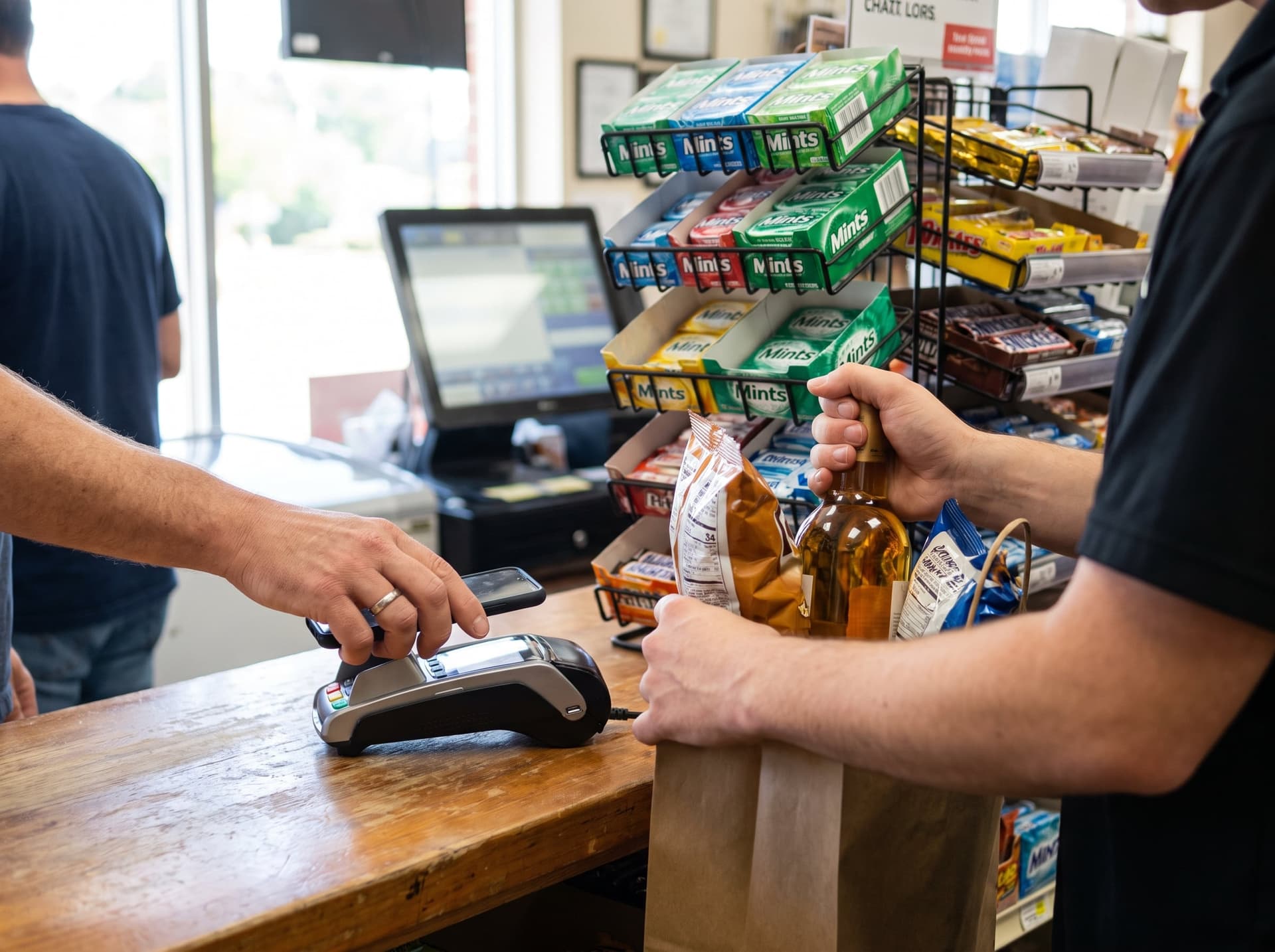 Convenience Stores
A fast counter, age checks staff can’t skip and cash that balances.
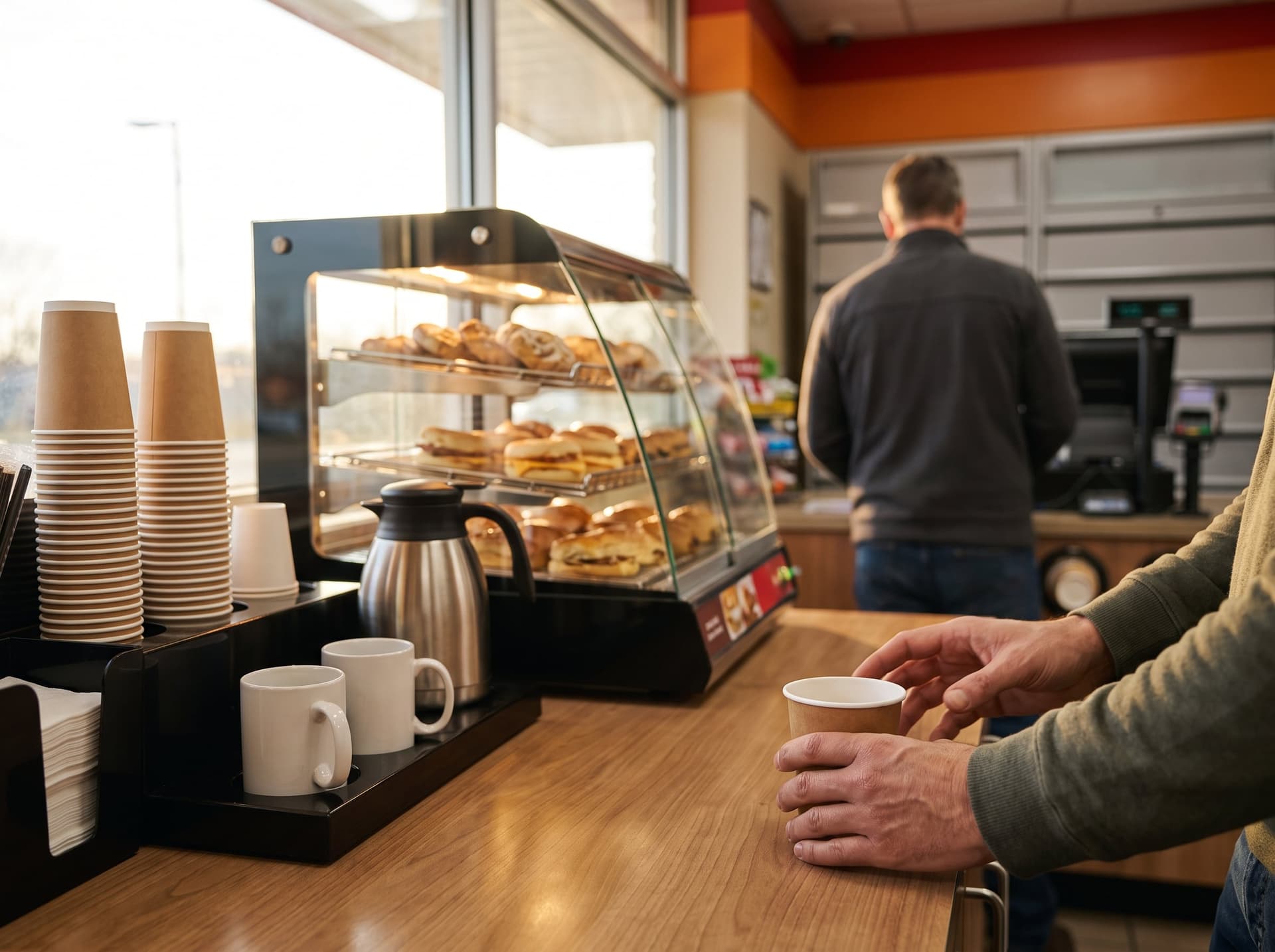 Gas Stations & Fuel
Pumps, store register and brand rules. Pump options depend on your site — we review those first.
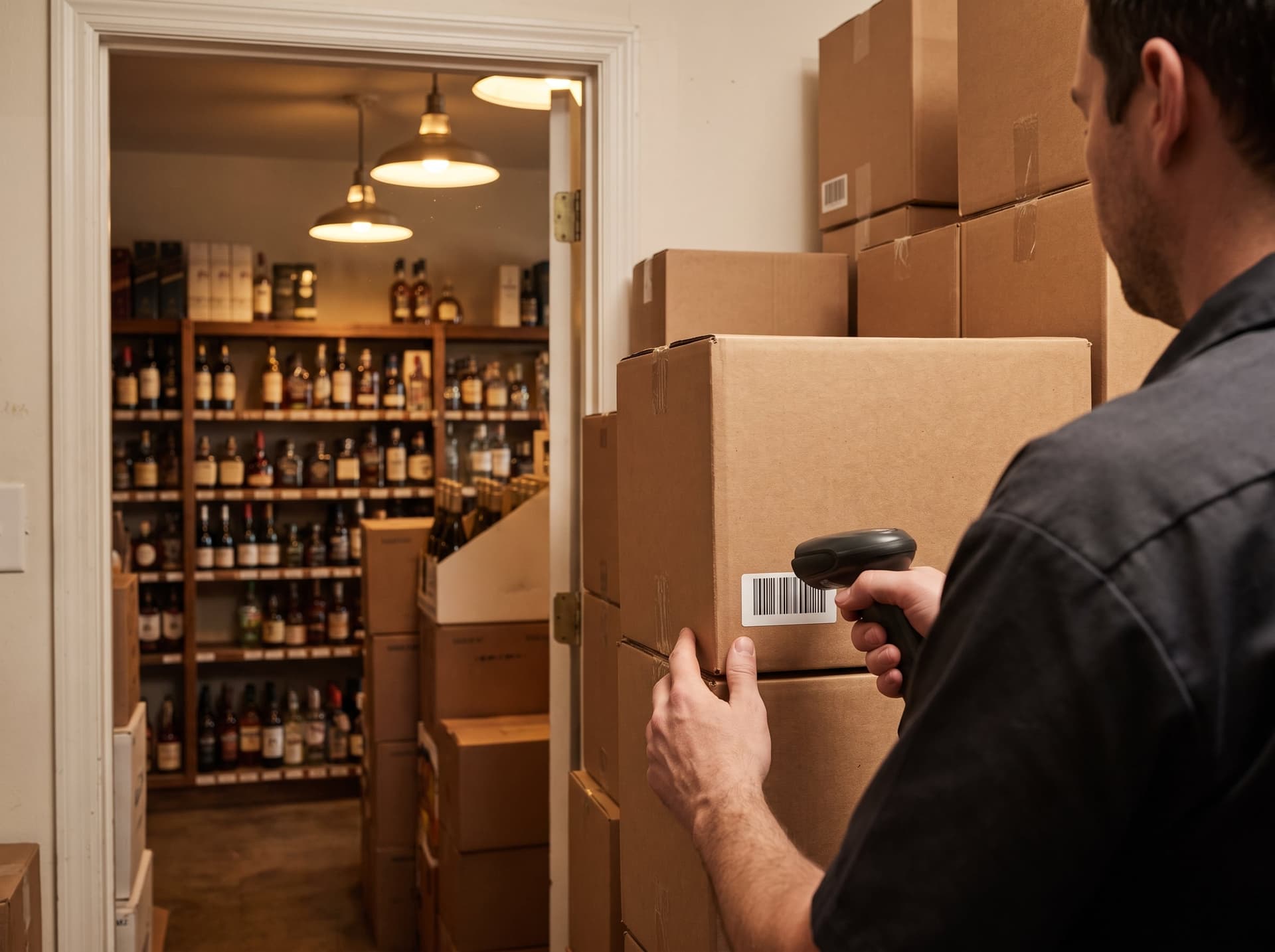 Liquor Stores
Case and single pricing, ID checks and fast scanning.
 Retail & Boutiques
Variants, seasonal stock, customer profiles and online sales.
The short answer
Last reviewed · How we check
A retail POS scans and prices items, tracks inventory, handles returns and promotions, and reports on what sells. Store type changes the requirements: grocery needs scales and SNAP/EBT, convenience stores need a price book and age checks, liquor stores need case pricing, and boutiques need size-and-color inventory. Start with your store type.
Related guides
Keep planning
- What a POS Really CostsEvery cost line, and how to compare quotes.
- What Free POS Actually CostsWhere the cost goes when the hardware is $0.
- Switching POSWhat carries over and how the cutover works.
- Hurricane Season ReadinessOffline limits, backup power and a safe restart.
- POS SolutionsThe platform families we work with.
Questions owners ask
Retail POS questions
How much does a POS system cost?
Does a POS work without internet?
Can a retail POS handle age-restricted items and case pricing?
Can I keep my current payment processor?
What happens to my menu, products and customer data if I switch?
Can GCMS install it and train our staff?
Not sure which fits?
Answer a few questions about how you operate and we will shortlist the platforms that fit. We set up and train on the one you choose, and explain its support path before you decide.