
Coffee shops & cafés
Coffee shop POS for a faster morning rush
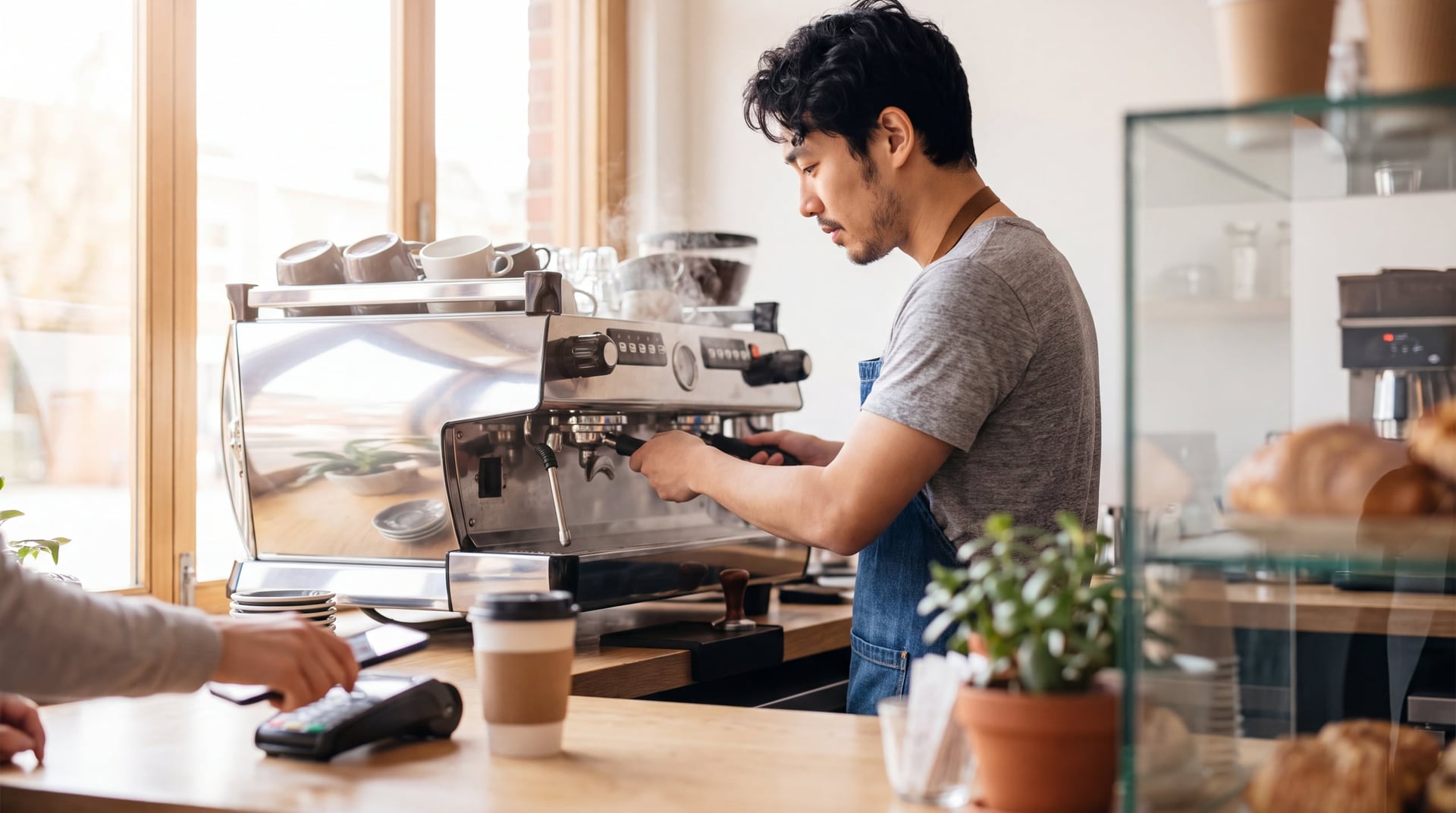
Mornings carry the day, and every drink is a stack of modifiers. A slow or wrong build at the register shows up as a long line and remakes at the bar, while mobile orders compete with the in-person line for the same barista.
How the morning rush has to run
#1
Ring it fast
Size, milk and extra shots added in a few taps, not a menu hunt.
#2
Build it right
Labels or a drink screen tell the bar exactly what to make.
#3
Reward regulars
Loyalty found by phone number, not a lost punch card.
#4
Order ahead
Mobile orders timed to be ready when the customer walks in.
- Headquartered in Pace, Florida
- Local installation and support
- BBB Accredited Business
- Replies within one business day
How do I get more drinks out right during the morning rush without burning out my baristas?
The short answer
A coffee shop POS should make modifiers fast (milk, size, shots, syrups), print or display every drink exactly as ordered, take mobile orders without burying the bar, and handle loyalty and tips without slowing the line. Test it against your real morning rush before you buy.
Last reviewed
What the business actually needs
A drink builder in speaking order
An ordered modifier flow of size, temperature, milk, sweetness and add-ons, with required choices and automatic upcharges.
Labels or a bar screen
A sticker label per drink, or a bar display, for accurate hand-off.
Mobile order-ahead
Pickup time slots, throttling at peak and a visible mobile queue for the bar.
Fast tender
Tap and mobile wallet, minimal screens and a quick tip screen with sensible presets, or none.
Tip pooling
Tips split by hours worked, with reporting that feeds payroll.
Pastry and food
Bakery counts, end-of-day waste and markdown tracking, and a kitchen ticket for hot food.
Loyalty and gift cards
A phone-number program that replaces punch cards, plus gift cards for the holidays.
Retail beans and merchandise
Barcodes and inventory for bags and merch, and possibly online sales.
Catering and wholesale
Invoices and house accounts if you sell beyond the counter.
What good technology should do
Judge any system by these outcomes
- 01Orders entered right the first time, in the fewest taps.
- 02Mobile orders that do not ambush the bar.
- 03Fair, transparent tip distribution.
- 04Regulars recognized and rewarded without paper cards.
Requirements checklist
Vendor-neutral. Bring it to every demo — including ours.
- Ordered, required modifier prompts with automatic upcharges
- Per-drink label printing or a bar display
- Mobile order-ahead with time slots, throttling and a separate queue view
- Customizable tip screen with presets, a skip option and on/off by order type
- Tip pooling by hours worked, with exportable reports
- Phone-number loyalty and gift cards
- Bakery counts, waste logging and end-of-day reporting
- Retail items with barcodes and inventory, plus optional online sales for beans and merch
- House accounts and invoices for catering or wholesale
- Offline mode that keeps the register taking orders
- A compact footprint that fits your counter, with tidy cable management
How GCMS approaches it
Fit first, then a careful install
Step 1: Assessment
We watch your morning rush, count the steps between register and bar, and map the hand-off. We collect the full drink menu with every modifier and ask how tips are split today.
Step 2: Multi-platform fit
Modifier-flow speed, the mobile-order queue and tip-pool reporting decide it, and we test your three most complex drink orders on each candidate.
Step 3: Install & programming
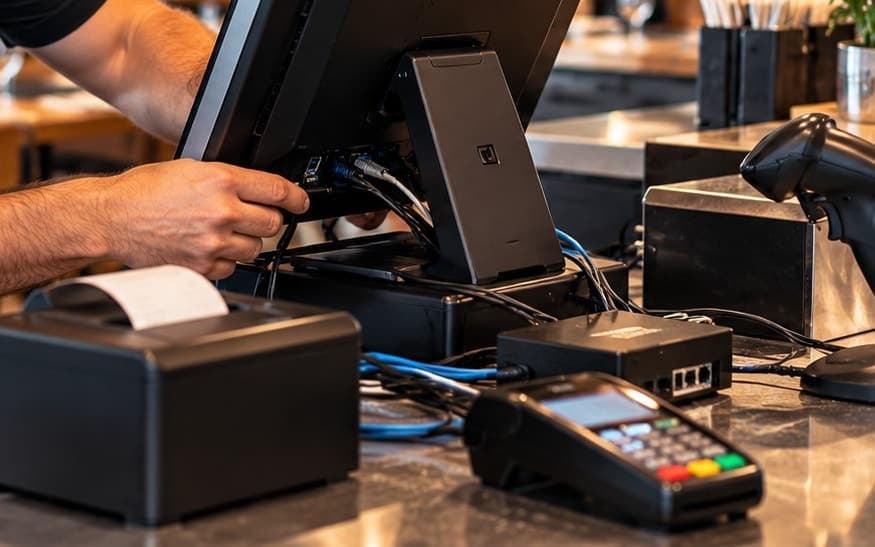
We build the modifier tree in the order your baristas speak, place the label printer, set tip presets per order type, configure the tip-pool rule, and turn on loyalty and mobile throttling.
Step 4: Training
A register role-play on a slow afternoon, a barista session on labels and the queue, and a manager session on tip reports and loyalty.
When to go live
Go live mid-week after the afternoon slowdown, never on a Monday morning or a weekend. Turn on mobile ordering once the counter is stable.
After go-live
- Plan an early review of modifier usage and upcharge capture.
- Schedule a follow-up on loyalty enrollment and mobile order share.
- Agree who to call during the morning rush if something stops working.
Straight answers
What most POS sites don’t tell you
The modifier order is the speed.
If the screen asks for milk before size, baristas fight it on every drink all morning. It is a programming choice.
Mobile ordering without throttling creates a second, invisible line.
Cap orders per pickup slot during your peak.
Tip prompts are adjustable.
Some guests dislike pre-set tip screens at the counter. Presets, a visible no-tip option or turning the prompt off for some order types are all your choice.
Tip pooling rules are a payroll and legal matter.
The POS should provide hours-weighted reporting; the policy itself should come from your accountant or employment counsel.
Uncharged alt-milk adds up.
Upcharges only get captured when they are required prompts, not optional buttons.
Coffee Shops & Cafés POS questions
- How much does a coffee shop POS cost?
- Cost depends on hardware, software, installation and contract terms. Ask for a written, itemized quote that shows what is included, such as label printers, menu programming and training.
- What is the best POS system for a coffee shop?
- It depends on your drink menu, rush pattern and how much mobile ordering you do. Test your most complex drinks on each candidate and choose the one your baristas can ring fastest and most accurately.
- How should drink modifiers be set up for speed?
- Put the prompts in the order your baristas naturally say them, usually size first, and make the choices that carry an upcharge required. Small layout decisions add up across a whole morning.
- Should my coffee shop use a sticker or label printer?
- Labels help most when several baristas share a bar or when mobile and in-store drinks mix at hand-off. A bar display is another option; the right one depends on your space and volume.
- How do I keep mobile orders from slowing the in-store line?
- Use pickup time slots and limit how many mobile orders each slot accepts at peak. Give the bar a visible mobile queue so those orders are planned, not a surprise.
- How do I split tips between baristas fairly?
- Most systems can report tips against hours worked, which supports an hours-based pool. The pooling policy itself is a payroll and legal question, so set it with your accountant or employment counsel.
- Can I run loyalty without paper punch cards?
- Yes, many systems offer loyalty tied to a phone number or app. Check how quickly a guest can be looked up at the register so the program does not slow the line.
- What happens if the internet goes down during the morning rush?
- It depends on the system’s offline mode. Ask what keeps working, how card payments are handled offline and what limits apply, and test it before you rely on it.
Let’s look at how your business runs
A local specialist walks through your operation and shortlists what fits. After the consultation, we can outline the recommended software, hardware, setup, and next steps for your business.