
Full-service restaurants
Full-service restaurant POS that serves more covers with a lean crew
Table turns, check accuracy and labor are fighting each other. Servers make trip after trip to a fixed terminal, hand-written tickets lose modifiers, and closing out each table adds more walking while every labor hour costs more.
How a full-service shift has to flow
Seat and greet
The host stand sees which tables are open, reserved or about to turn.
Order at the table
Servers send orders from a handheld instead of queueing at a terminal.
Course to the kitchen
Starters, mains and desserts fire to the right station at the right time.
Pay at the table
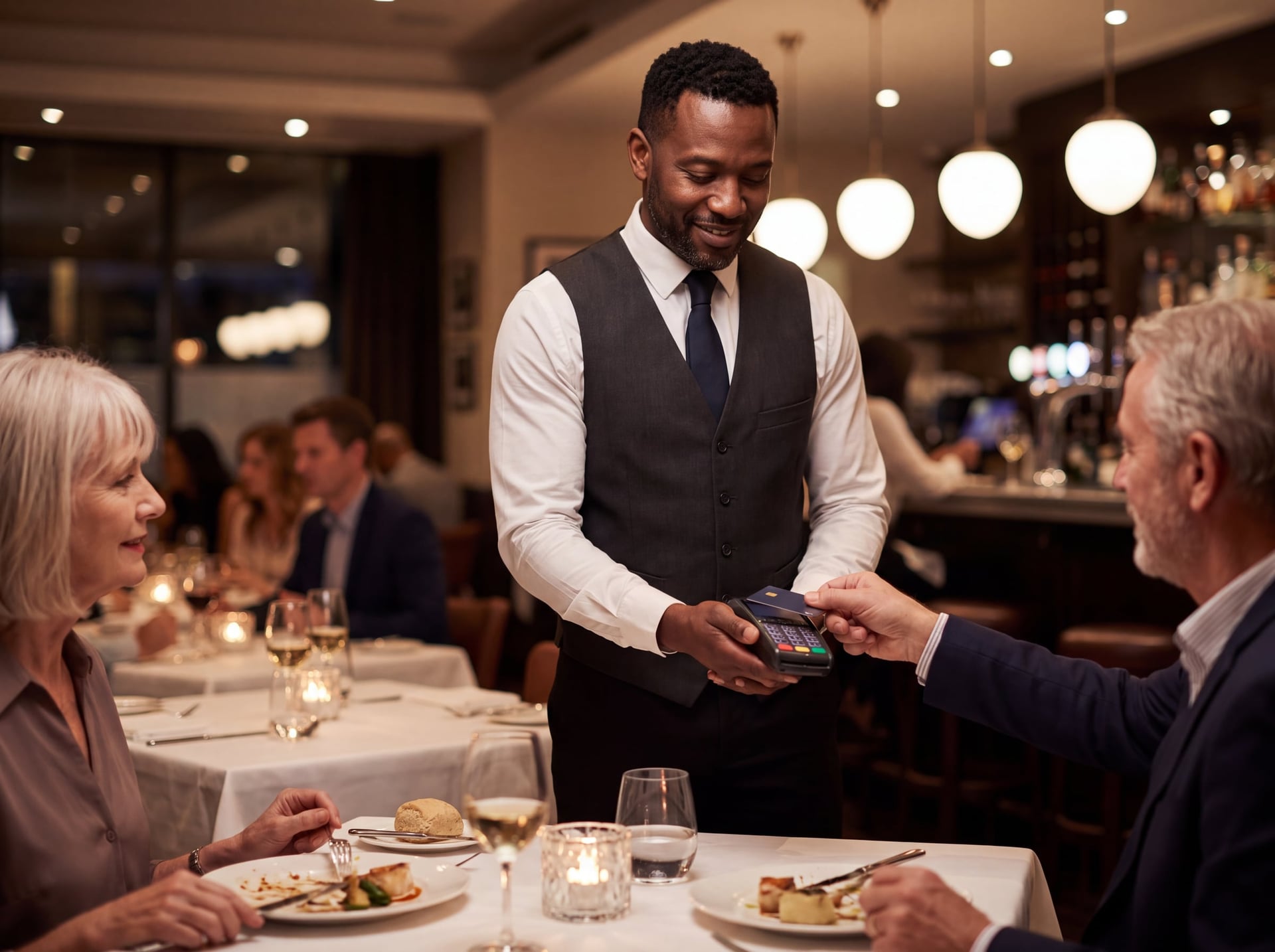
Split checks and tap-to-pay at the table so tables turn sooner.
- Headquartered in Pace, Florida
- Local installation and support
- BBB Accredited Business
- Replies within one business day
How do I serve more covers well with the crew I can actually hire?
The short answer
A full-service restaurant POS should let servers order and pay at the table on handhelds, route each item to the right kitchen station, split and transfer checks without a manager, and keep taking cards if the internet drops. Just as important: menu programming, staff training and local support after go-live.
Last reviewed
What the business actually needs
Order capture at the table
Handhelds running the same menu logic as the stations, with seat numbers, modifiers, allergies and “on the side” notes.
Coursing and fire control
Hold and fire by course so the kitchen sees what’s coming, and expo can see every item for a table at once.
Kitchen routing by station
Kitchen display or printers with routing rules per item for grill, fry, sauté, cold and bar, plus ticket timers and recall.
Split checks and mixed tender
Split by seat, by item or evenly, and accept card, gift card and cash on the same check.
Pay-at-table
The card never leaves the guest, and tip entry happens on the device at the table.
Tips, tip-outs and auto-gratuity
Track declared and card tips, tip-outs to bussers and bar, and large-party auto-gratuity with a tax setting your CPA has confirmed.
Reservations and waitlist
At minimum a waitlist with text-when-ready, ready for holiday and special-occasion booking spikes.
Menu management
Daily specials, market-price seafood and 86 lists pushed to every device at once.
Labor and manager controls
Clock-in rules, break tracking, overtime alerts, and voids and comps that require a reason and the right permission.
Gift cards, loyalty and takeout
Gift cards and loyalty tied to the guest record, and online ordering routed to its own make-line timing for the off-season.
What good technology should do
Judge any system by these outcomes
- 01Fewer steps between “the guest decides” and “the kitchen knows”.
- 02One source of truth for menu and price across every device and channel.
- 03Faster close-out with payment at the table and no card walk-away.
- 04Visibility of labor cost during the shift, not the next morning.
- 05Orders that keep flowing when the internet or power is unreliable.
Requirements checklist
Vendor-neutral. Bring it to every demo — including ours.
- Handhelds support full modifiers, seats, courses and split checks (test this on a real ticket)
- Hold and fire by course, an expo view, kitchen routing per station and ticket timers
- Pay-at-table with on-device tip entry and email or text receipts
- Split by seat, by item and evenly, with partial payments and mixed tenders
- Auto-gratuity rules by party size with configurable tax treatment
- Tip-out and tip-share reporting that exports to payroll
- Market-price items, a quick 86 and scheduled menus for lunch, dinner and happy hour
- Waitlist with text notification, and reservation integration if you need it
- Role permissions for voids, comps and discounts, with reason codes and an audit report
- Scheduling, overtime alerts and labor reporting by daypart
- Offline mode: what keeps working, store-and-forward limits and how data syncs afterwards
- Online ordering that lands on the same kitchen screens, with throttling
- Product mix, server sales, covers, average check and table turn reporting
- Hardware that survives spills and drops, batteries that last a double shift, and a Wi-Fi plan for patios and decks
How GCMS approaches it
Fit first, then a careful install
Step 1: Assessment
We walk the floor and patio, map server sections and test Wi-Fi at the far tables, ideally during a real service if you allow it. We review your menu, product mix and how you handle coursing and splits today.
Step 2: Multi-platform fit
We score the candidate platforms against the checklist and your priorities, and show the trade-offs in writing, such as handheld depth against hardware cost and contract terms.
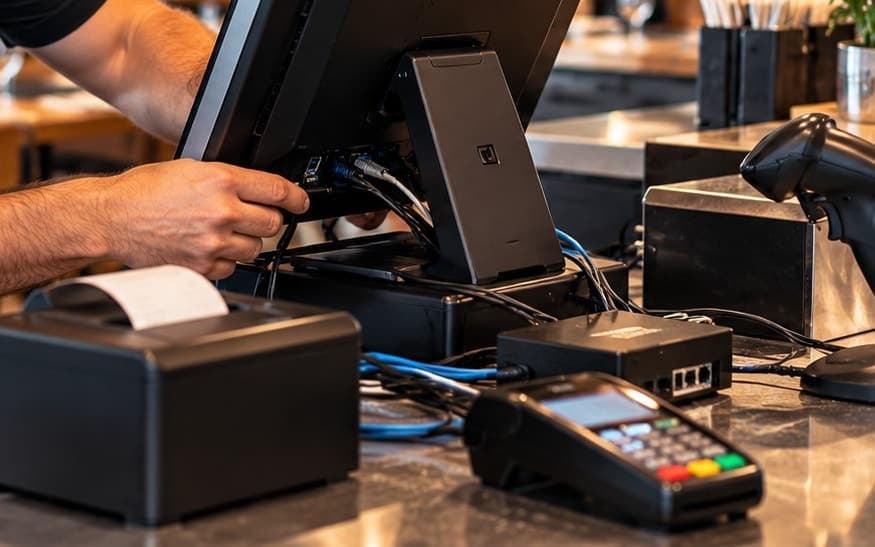
Step 3: Install & programming
We build the menu with modifiers, forced questions and course assignments, then set up station routing, auto-gratuity and tip-out rules, permission tiers and a floor plan that includes the patio.
Step 4: Training
Role-based sessions for servers, bartenders, hosts, kitchen and managers, a mock service on real tickets, and quick cards your managers can reuse with seasonal hires.
When to go live
Plan go-live early in the week, between lunch and dinner, and avoid weekends, holiday weeks and local event weekends. Beach-area dining rooms are best switched in the off-season or shoulder months, with the old system kept in parallel for a day where possible.
After go-live
- Agree who is on site for the first live service before you set the date.
- Plan a first-week review of voids, comps, tip-outs and product mix, and tune the menu layout from real use.
- Schedule a follow-up on labor, ticket times and check average, and agree which reports you will actually read.
- Ask for a hurricane-season readiness check: offline test, backup internet, power for printers and kitchen screens, and a paper-ticket drill.
Straight answers
What most POS sites don’t tell you
Handheld speed depends on Wi-Fi, not the device.
Patios, decks and brick walls create dead zones, and a dropped order gets re-keyed. A site survey belongs in the quote.
Offline card acceptance is a risk decision.
Store-and-forward usually has per-ticket caps and time limits, and a decline arrives after the guest has left. Decide your limits before hurricane season.
Auto-gratuity has a tax setting.
A mandatory gratuity may be treated differently from a voluntary tip, and a wrong setting is hard to unwind later. Confirm the setup with your CPA.
Menu build quality is most of the outcome.
The same POS feels fast or slow depending on button layout, forced modifiers and course defaults. Ask who builds the menu and how many revisions are included.
Your seasonal hires will be trained by your staff, not the vendor.
Ask for role quick cards and short videos your managers can reuse when new servers start mid-season.
Full-Service POS questions
- How much does a full-service restaurant POS cost?
- Cost depends on hardware, software, installation and contract terms. Ask for a written, itemized quote so you can compare what is included, including menu programming, network work and training.
- What is the best POS system for a full-service restaurant?
- It depends on how your dining room runs: how many sections and stations you have, whether you course meals, how often you split checks and how good your Wi-Fi coverage is. The best fit is the system that passes a test on your real tickets and menu, not the one with the longest feature list.
- Do servers really move faster with handheld POS devices?
- They can, because orders and payments happen at the table instead of at a shared terminal. The gain depends on reliable Wi-Fi across the dining room and patio and on a menu layout built for small screens, so test both before you commit.
- Can a POS split a check by seat and by item?
- Most restaurant systems can split checks, but how easily they do it varies. Test splitting by seat, by item and evenly, plus mixed tenders and partial payments, on a real ticket during the demo.
- What happens to my POS if the internet goes down during dinner?
- It depends on the system and how it is configured. Ask what keeps working offline (ordering, kitchen screens, card acceptance), what limits apply to cards stored for later processing, and how data syncs when the connection returns.
- How long does it take to switch restaurant POS systems?
- It depends on menu complexity, hardware, network work and staff availability for training. Plan the go-live date around your calendar rather than the other way around, and leave time for menu building and a mock service.
- How should auto-gratuity for large parties be set up on the POS?
- Set the party-size rule and the tax treatment deliberately, because a mandatory gratuity may be taxed differently from a voluntary tip. Confirm the correct setting with your CPA before the button goes live.
- Do I need a kitchen display system or are printers enough?
- Printers work well for many kitchens; a kitchen display adds timers, recall and an expo view of whole tables. The right choice depends on your ticket volume, station layout and how much coursing you do.
Let’s look at how your business runs
A local specialist walks through your operation and shortlists what fits. After the consultation, we can outline the recommended software, hardware, setup, and next steps for your business.